
Thank you for your patience as we recovered from the old site going down suddenly in December. This new site will be somewhat familiar, but there are definitely differences, because it is running on a different technology.
Details on what has changed are here: What's new on the NPRHA research site?
Here are a few things you may find useful to know as you get comfortable with the new site:
The new site uses Google Sheets for all lists. To filter a list, click anywhere in the sheet then click the Filter Views toolbar button and choose the "Create filter view" command:
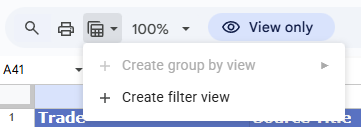
This view is private to you--it does not affect what others see. When finished, click the "X" on the right side of the green filter view bar.
Press the Ctrl key + F. A search box will slide down at the top right:

After entering a search string, use the up and down arrows to search in the up or down directions. When finished, click the "X".
Equipment

Operations & Traffic
Right-of-Way & Structures
Publications & Advertising
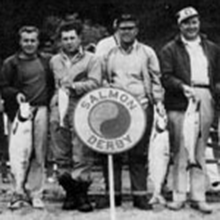
Employees
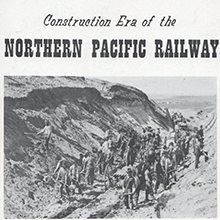
General History
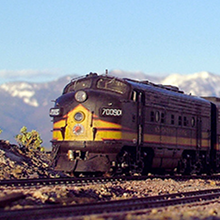
Modeling Resources
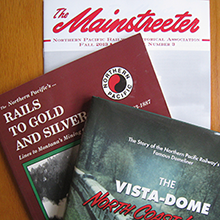
Research Sources

NPRHA Company Store

NPRHA Information